
DESIGNING WITH MICROSOFT VISIO PROFESSIONAL 2
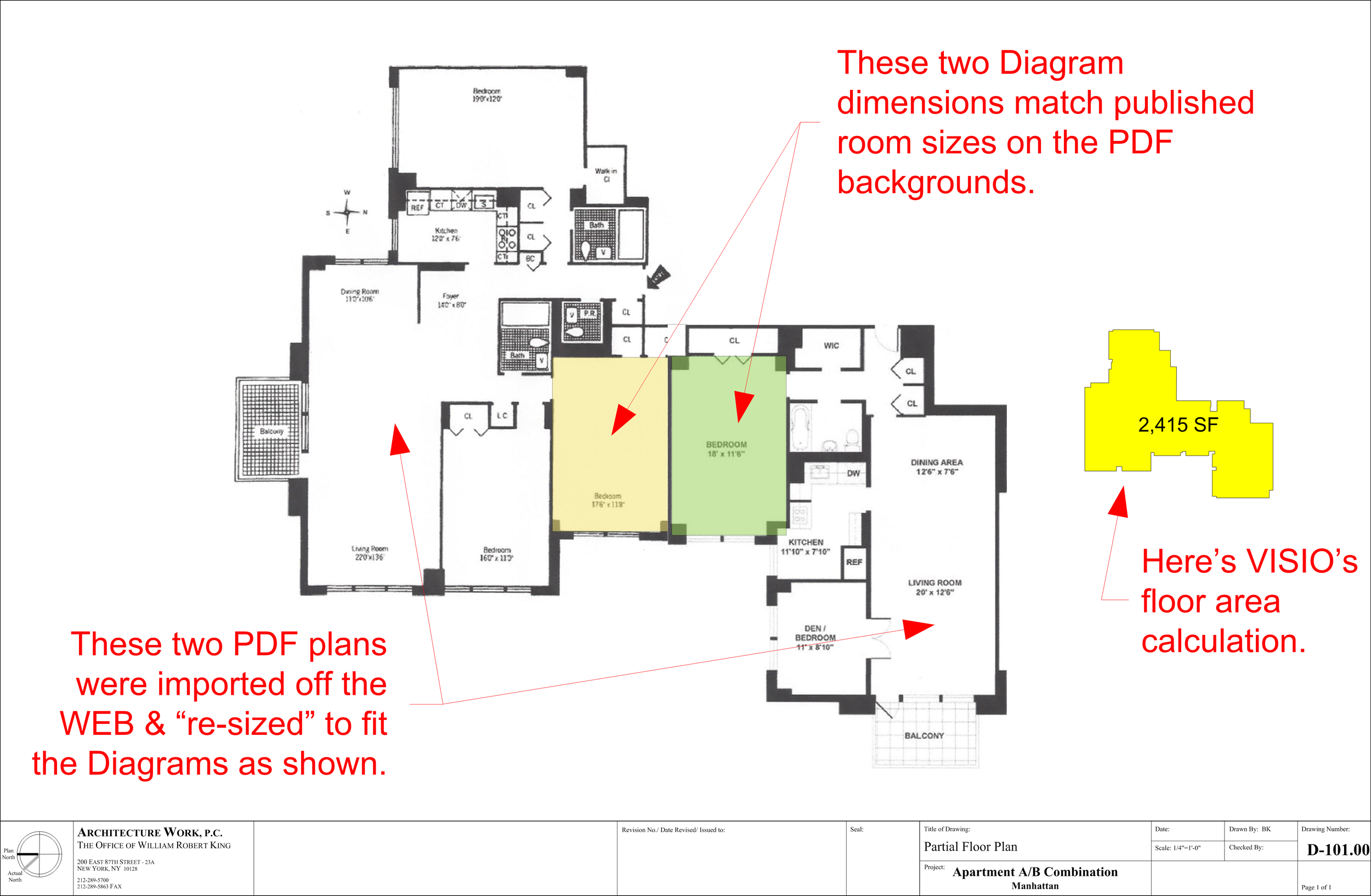
DESIGNING WITH MICROSOFT VISIO PROFESSIONAL 2
By William Robert King, R.A. on Feb 15, 2016 12:34:00 PM
Designing with Microsoft VISIO Professional 2:
ARCHITECTURE WORK PC
William Robert King, R.A.
Here’s a look at my newly scanned PDF plans imported onto this same page & scaled using the published room sizes as indicated therein and matched to diagrams that I scaled to this page – the PDF image can be either enlarged, or contracted and/or re-positioned on the page by using VISIO’s “shape” technology to create “objects” out of whatever is imported. In short, if the online plan says a room is 11’-6” by 16’-3”, I create a rectangular “diagram” of that size on my scaled drawing & then stretch or contract the PDF shapes until they match my diagram for that one single room – now I have a scaled floor plan I can work on electronically!
This example shows how I have imported the two apartment floor plans off the internet (there are lots of other ways to obtain floor plans, but this is the most common for me), put them to scale and locked them into a “layer” I created so that I can make “shapes” over them to let VISIO do calculations of floor area for basic budgeting purposes.
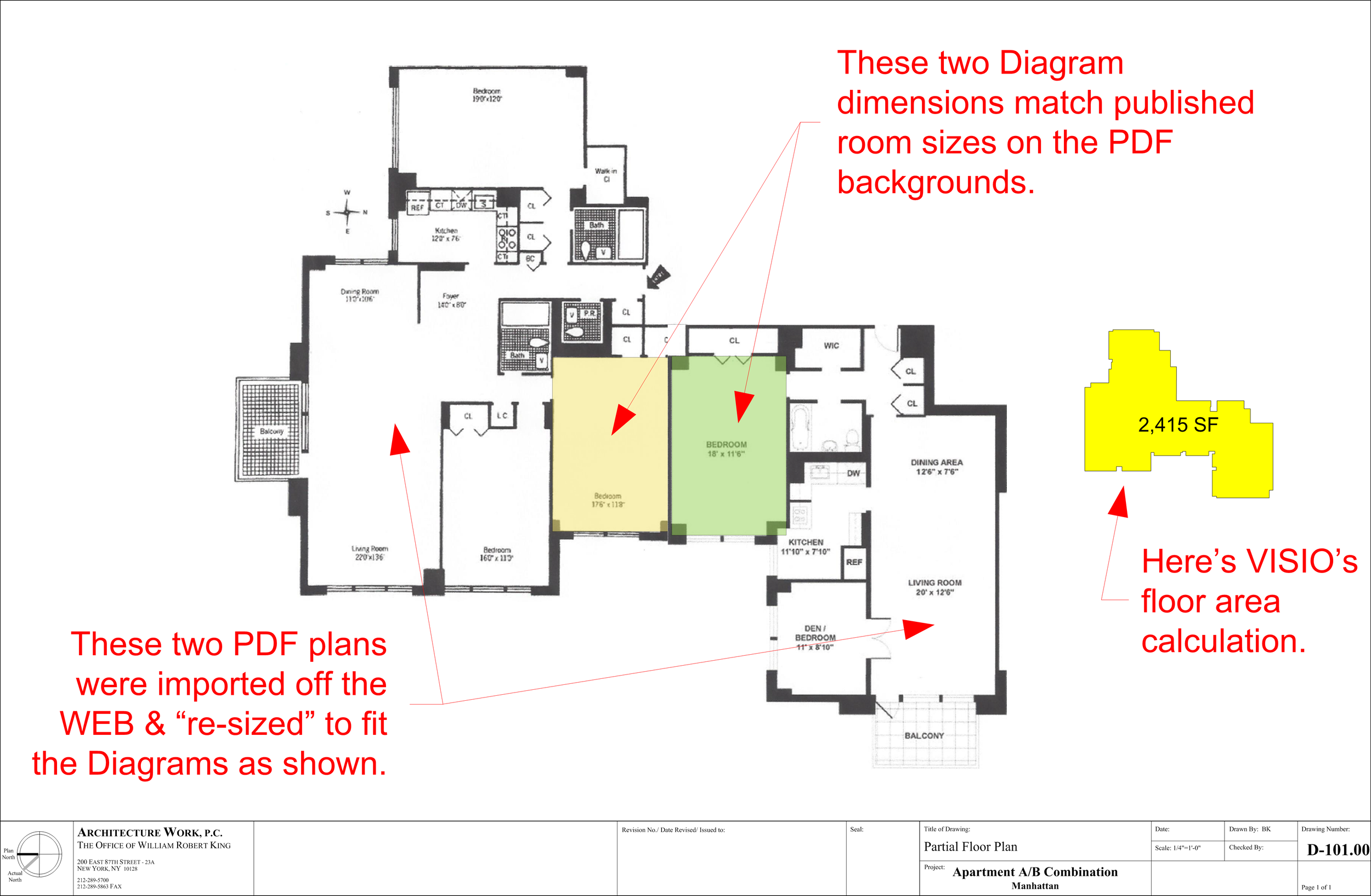
Since I now know how big the net floor area on which we estimate budgets and develop our proposals for services – I know what the client will have to spend on this project and can discuss the path forward with a decent degree of clarity.
Note that so far I haven’t had to measure or do any drafting & I have a basic workable floor plan for discussing design ideas – total elapsed time less than 15 minutes!
I eventually will do field measurements after a proposal for services has been accepted, but I use this as my work page until such time as we have a commitment. Occasionally I might even whip up some quick ideas as a teaser to get the job or sometimes help people decide whether or not this space is suitable for their expected needs.